Battery Monitoring
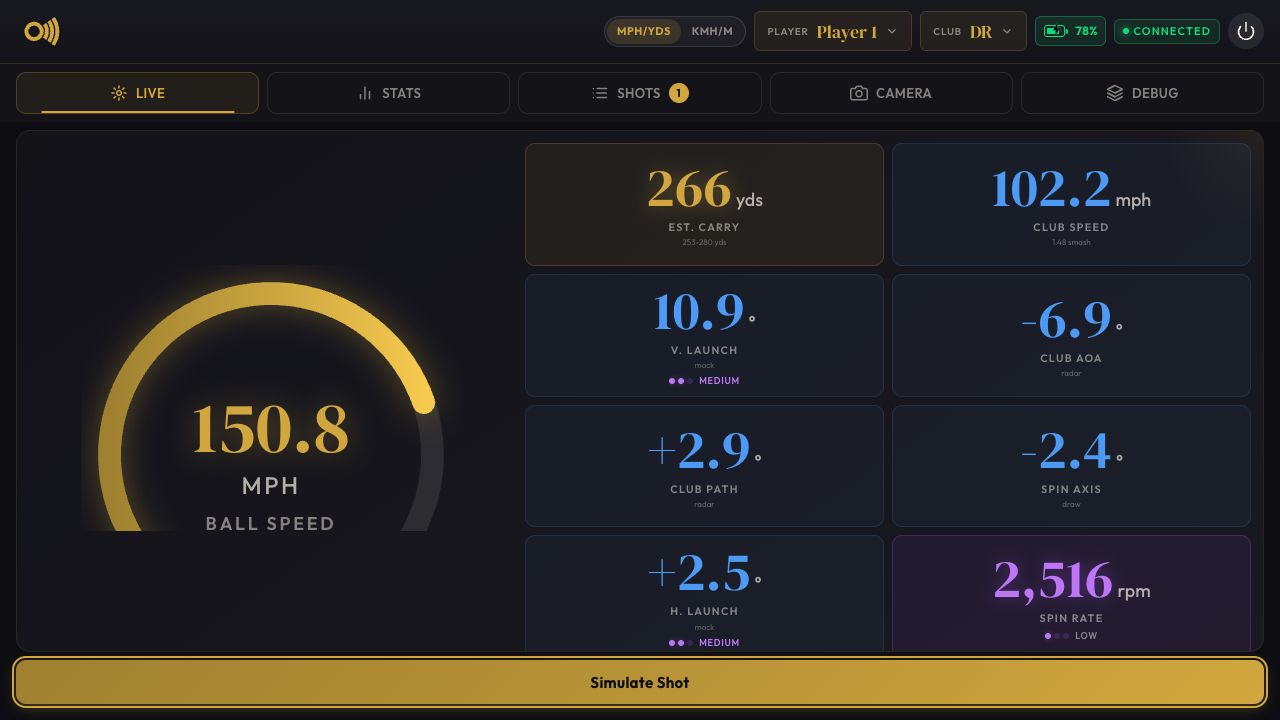
OpenFlight can display battery percentage, external-power state, and low-battery warnings when a supported UPS provider is selected. Monitoring is disabled by default and is read-only: OpenFlight does not change charging behavior or shut down Linux automatically.
Supported Providers
| Provider | CLI value | Hardware | Setup guide |
|---|---|---|---|
| Geekworm | geekworm |
X1202 and X1206 | Geekworm X1202/X1206 |
Start OpenFlight with an installed provider:
The --battery argument is intentionally explicit. When it is absent,
OpenFlight does not probe UPS hardware and does not show the battery UI.
Implementation
Battery support is split into generic monitoring and hardware providers:
CLI provider selection
        |
        v
PowerReader factory --> Linux power_supply reader
        |                       |
        | unavailable           | PowerSample
        v                       v
Provider reader ----------> PowerMonitor --> WebSocket UI
                                      `--> session JSONL
Every provider implements the PowerReader contract and returns the common
PowerSample fields:
- Battery percentage
- Battery voltage
- External-power availability
The factory first uses standard Linux devices under /sys/class/power_supply
when the installed kernel driver exposes both a battery and mains supply. It
falls back to the selected provider's direct hardware reader when native Linux
telemetry is unavailable.
The generic PowerMonitor owns polling, retry, state classification, UI
publication, and throttled session logging. Hardware readers do not implement
warnings or shutdown policy.
UI And Logging
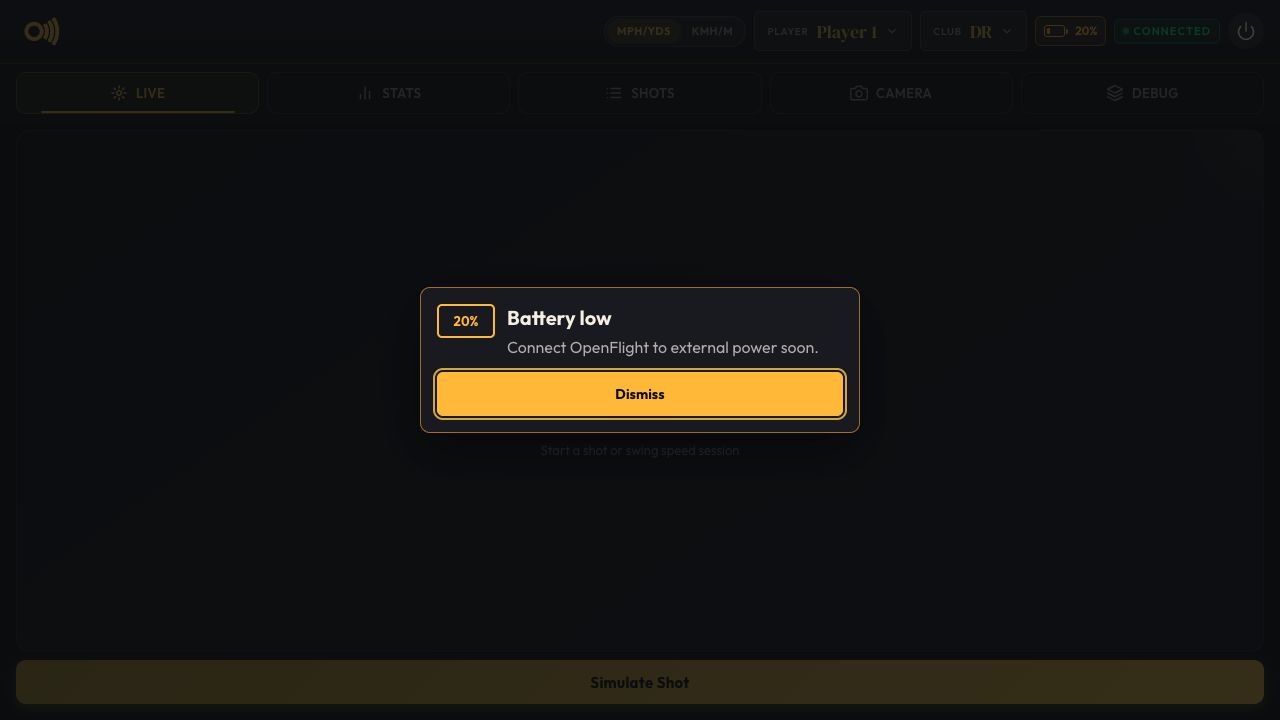
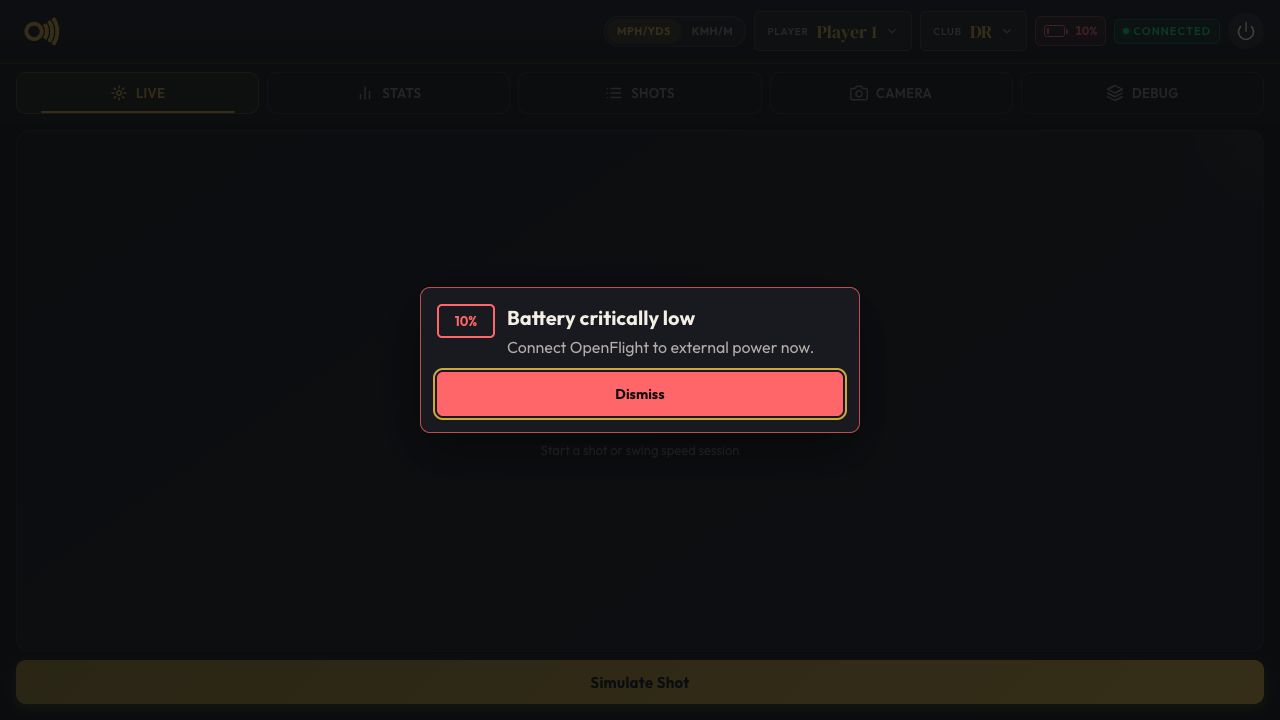
The UI reports plugged-in, on-battery, low, critical, and unavailable states. Warnings at 20% and 10% are dismissible and appear only while discharging.
Indicator States
| Plugged in | On battery | Low | Critical | Unavailable |
|---|---|---|---|---|
 |
 |
 |
 |
 |
Warning Dialogs
| Low battery | Critically low battery |
|---|---|
 |
 |
Session logs contain power_status records with the provider, percentage,
voltage, external-power state, availability, timestamp, and any read error.
The session-start configuration also records the selected provider.
Raspberry Pi Taskbar Compatibility
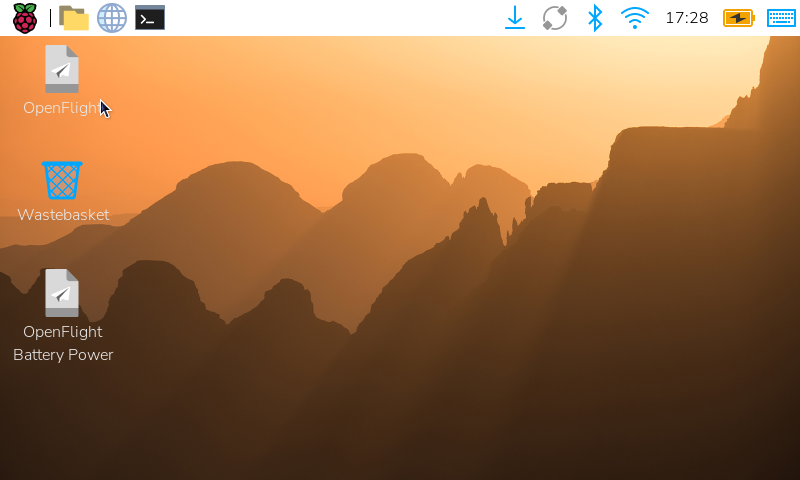
Raspberry Pi's wfplug-batt panel normally calculates percentage from charge
or energy counters. Some standard Linux battery drivers expose an already
calculated capacity value instead. OpenFlight's shared taskbar patch adds
support for that standard property, reads the external supply's standard
online state for the charging icon, and clamps full-charge overshoot to 100%.
Reading online avoids showing a charging icon when a battery driver reports
its charge state as Unknown while the external supply is disconnected.
The shared ARM64 Raspberry Pi OS Trixie package and source patch are stored at:
This compatibility package is not Geekworm-specific. A provider setup script may install it when that provider's Linux driver needs capacity-only support. It affects only the Raspberry Pi desktop panel; OpenFlight's UI reads the same Linux telemetry directly and does not require the panel package.
Adding A Provider
Add hardware integrations under src/openflight/power/providers/, register the
provider name and reader in src/openflight/power/factory.py, and add focused
reader and factory tests. Provider-specific Pi provisioning belongs under
scripts/battery/<provider>/, with its operator guide under docs/battery/.
Keep provider readers read-only. Any future controlled shutdown behavior must remain a separate policy that first stops OpenFlight cleanly, asks Linux to halt, and only then allows the UPS to remove Pi power.